Knobwise
Settings finder for Android · free · offline

Find any setting. In plain words.

Lost in your phone settings? Type the problem and Knobwise opens the exact Android screen that fixes it. No launcher takeover, no search hijack, no subscription.

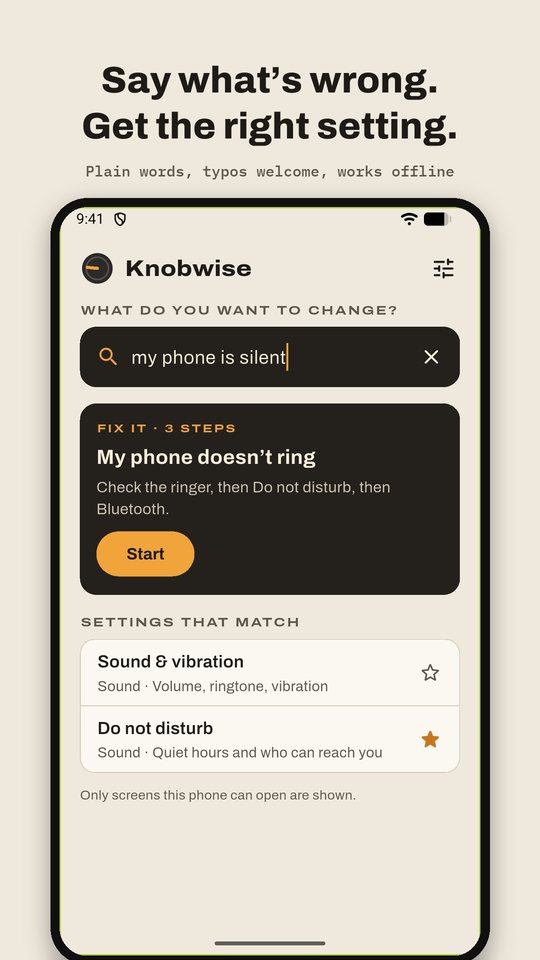
Search in your own words

Describe the problem, not the menu. Everyday words and typos work, and it works without internet.

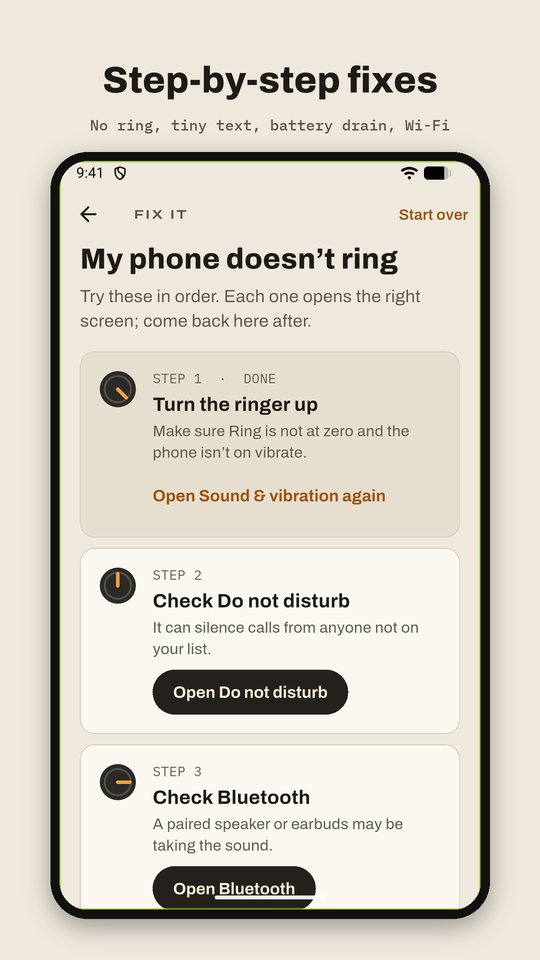
Step-by-step fixes

No ring, can't hear calls, tiny text, battery drain, Wi-Fi trouble, full storage. Each step opens the right screen and ticks itself off.

Only what your phone has

Every shortcut is checked on your phone, so nothing leads to a dead end. Nearly 50 settings screens in eight groups.

Your phone stays yours

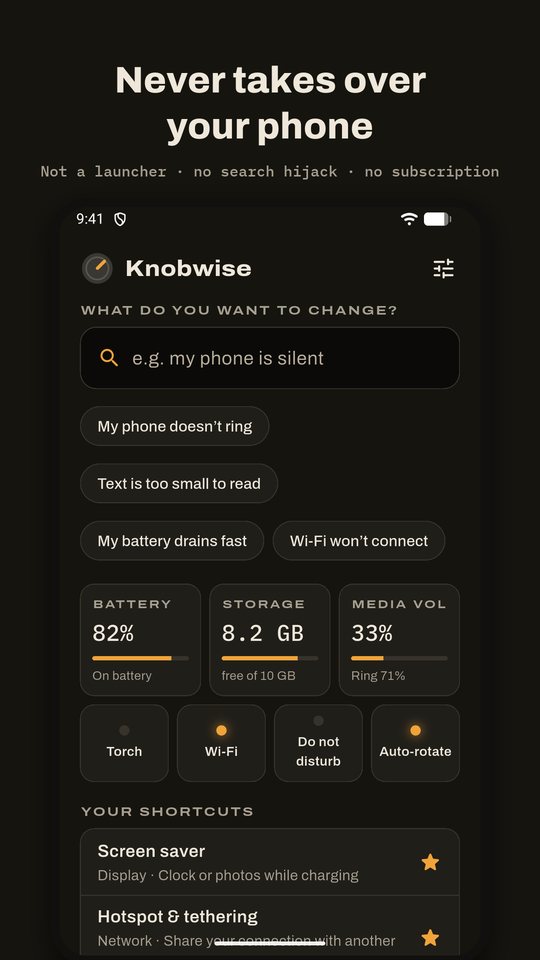
Knobwise never replaces your home screen, never changes your search engine and never changes a setting on its own.

Type a problem in plain words and get the right setting A step-by-step fix with each step ticked off Home screen in dark mode with battery, storage and volume

Questions

Does Knobwise change my settings?

No. It finds the right Android settings screen and opens it. You make the change there, so you stay in control. The only things it changes itself are the volume sliders and the flashlight, when you tap them.

Will it replace my home screen?

Never. Knobwise is a normal app, not a launcher, and it doesn't touch your search engine. If another app changed your home screen, the "My home screen changed" fix helps you switch back.

Why can't I see some settings?

Phone makers name and hide screens differently. Knobwise checks which screens your phone can open and only shows those.

How is it free?

An occasional full-screen ad when you come back from a settings screen, never when you open the app or while you search. Adding a shortcut to your phone's home screen unlocks with a short video; everything else is free.